taiwanren.cc - 最全的電商商品價格比較,價格查詢,歷史價格查詢站點
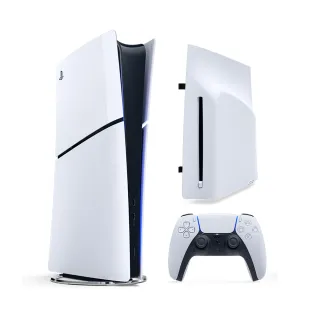
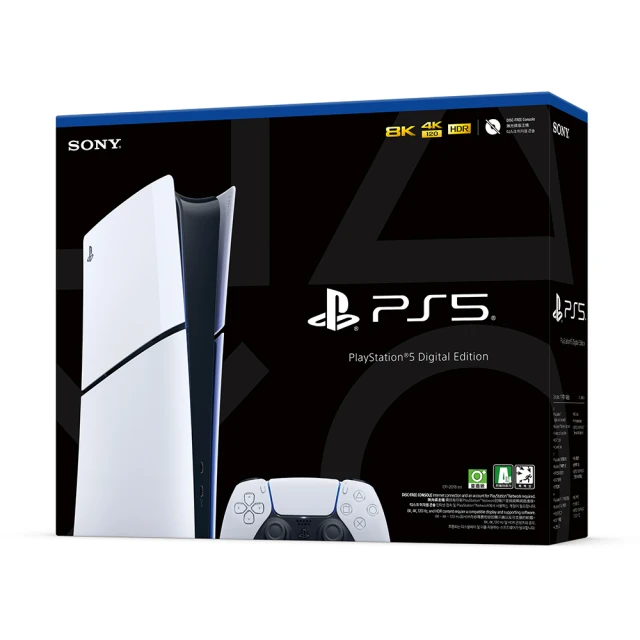
【SONY 索尼】New PS5 數位版主機(PS5 Slim)+專用 Ultra HD Blu-ray 光碟機 價格比較,價格查詢,價格歷史信息

【SONY 索尼】New PS5 數位版主機(PS5 Slim)+專用 Ultra HD Blu-ray 光碟機 歷史價格(單位:新台幣)
描述
New PlayStation 5 數位版主機 產品規格
外部尺寸(不包括突出部分):
約358 × 80 × 216公釐(寬度 × 高度 × 深度)
重量:約2.6公斤
CPU:
x86-64-AMD Ryzen™ “Zen 2”
8核心/16執行緒
可變頻率,最高3.5 GHz
GPU:
AMD Radeon™ RDNA 2架構圖形引擎
光線追蹤加速
可變頻率,最高2.23 GHz (10.3 TFLOPS)
系統記憶體:
GDDR6 16GB
頻寬448GB/s
SSD:1TB 讀取頻寬(原始) 5.5GB/s
PS5遊戲光碟:
Ultra HD Blu-ray,光碟容量最大為100GB
BD/DVD光碟機:
光碟機連接埠配備光碟機
影像輸出:
支援4K 120Hz電視、8K電視(需遊戲支援至8K)、可變更新率 (VRR)(如HDMI 2.1規格指定)
音效:Tempest 3D AudioTech
輸入/輸出主機正面:
USB Type-C 連接埠(超高速USB 10Gbps)
USB Type-C 連接埠(高速USB)
輸入/輸出主機背面:
USB Type-A連接埠(超高速USB 10Gbps)x2
網路連線:乙太網路(10BASE-T、100BASE-TX、1000BASE-T)
Wi-Fi無線網路:IEEE 802.11 a/b/g/n/ac/ax
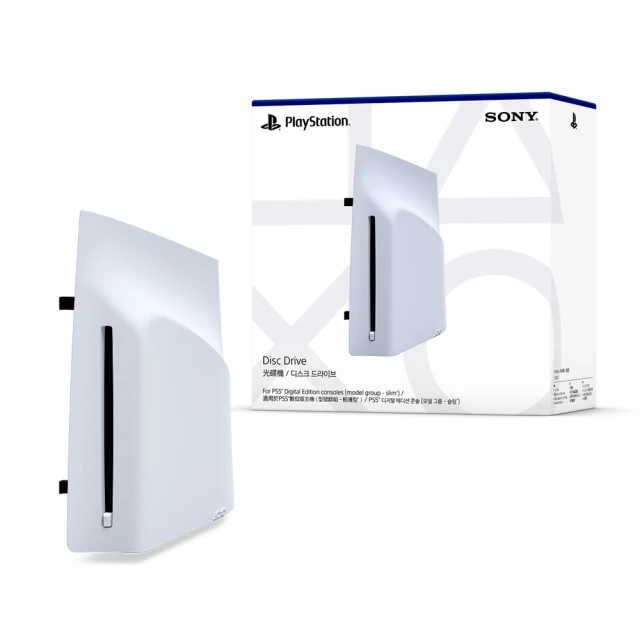
Add a disc drive to your PlayStation 5 Digital Edition console. (model group - New PlayStation 5)
Discover Games and Movies on Blu-ray Disc
So Many Games
Play PS5 games and a vast back catalogue of supported PS4 titles on Blu-ray Disc.
Amazing Entertainment
Enjoy watching movies and shows on 4K Ultra HD Blu-ray Discs, Blu-ray Discs, and DVDs.
How to attach the disc drive to PS5 consoles (CFI-2000 model group – New PlayStation 5)
Place your console on a soft cloth spread over a flat surface before attaching your disc drive.
Step 1
Go to the control centre and select Power ) Turn Off PS5. The screen goes blank, the power indicator flashes white, and then turns off.
Step 2
Remove the AC power cord and cables, and then wait for the PS5 console to cool down. The main unit of your console is hot immediately after use.
Step 3
Place the console with the bottom facing up and the front side facing you, and then remove the horizontal stand feet (short).
Step 4
Slightly lift the circle cover away from the console to detach its clips and remove it.
Step 5
Align the disc drive’s clips with the 2 holes (marked with an upside-down triangle), then firmly push in until you hear a “click”.
Step 6
Attach the circle cover and horizontal stand feet (long) included with your disc drive. Align the cover’s clips with the corresponding holes on the console and push in until you hear a “click”.
Step 7
Connect the AC power cord and cables, and then turn on the power.
• Keep the feet and cover you removed in steps 3 and 4 somewhere safe. They are needed to use the PS5 console without the disc drive attached.
• Internet connection required to pair disc drive and PS5 console upon set up.
外部尺寸(不包括突出部分):
約358 × 80 × 216公釐(寬度 × 高度 × 深度)
重量:約2.6公斤
CPU:
x86-64-AMD Ryzen™ “Zen 2”
8核心/16執行緒
可變頻率,最高3.5 GHz
GPU:
AMD Radeon™ RDNA 2架構圖形引擎
光線追蹤加速
可變頻率,最高2.23 GHz (10.3 TFLOPS)
系統記憶體:
GDDR6 16GB
頻寬448GB/s
SSD:1TB 讀取頻寬(原始) 5.5GB/s
PS5遊戲光碟:
Ultra HD Blu-ray,光碟容量最大為100GB
BD/DVD光碟機:
光碟機連接埠配備光碟機
影像輸出:
支援4K 120Hz電視、8K電視(需遊戲支援至8K)、可變更新率 (VRR)(如HDMI 2.1規格指定)
音效:Tempest 3D AudioTech
輸入/輸出主機正面:
USB Type-C 連接埠(超高速USB 10Gbps)
USB Type-C 連接埠(高速USB)
輸入/輸出主機背面:
USB Type-A連接埠(超高速USB 10Gbps)x2
網路連線:乙太網路(10BASE-T、100BASE-TX、1000BASE-T)
Wi-Fi無線網路:IEEE 802.11 a/b/g/n/ac/ax
Add a disc drive to your PlayStation 5 Digital Edition console. (model group - New PlayStation 5)
Discover Games and Movies on Blu-ray Disc
So Many Games
Play PS5 games and a vast back catalogue of supported PS4 titles on Blu-ray Disc.
Amazing Entertainment
Enjoy watching movies and shows on 4K Ultra HD Blu-ray Discs, Blu-ray Discs, and DVDs.
How to attach the disc drive to PS5 consoles (CFI-2000 model group – New PlayStation 5)
Place your console on a soft cloth spread over a flat surface before attaching your disc drive.
Step 1
Go to the control centre and select Power ) Turn Off PS5. The screen goes blank, the power indicator flashes white, and then turns off.
Step 2
Remove the AC power cord and cables, and then wait for the PS5 console to cool down. The main unit of your console is hot immediately after use.
Step 3
Place the console with the bottom facing up and the front side facing you, and then remove the horizontal stand feet (short).
Step 4
Slightly lift the circle cover away from the console to detach its clips and remove it.
Step 5
Align the disc drive’s clips with the 2 holes (marked with an upside-down triangle), then firmly push in until you hear a “click”.
Step 6
Attach the circle cover and horizontal stand feet (long) included with your disc drive. Align the cover’s clips with the corresponding holes on the console and push in until you hear a “click”.
Step 7
Connect the AC power cord and cables, and then turn on the power.
• Keep the feet and cover you removed in steps 3 and 4 somewhere safe. They are needed to use the PS5 console without the disc drive attached.
• Internet connection required to pair disc drive and PS5 console upon set up.
商品選項
屬性
用戶評測
分享鏈接
相關商品
-
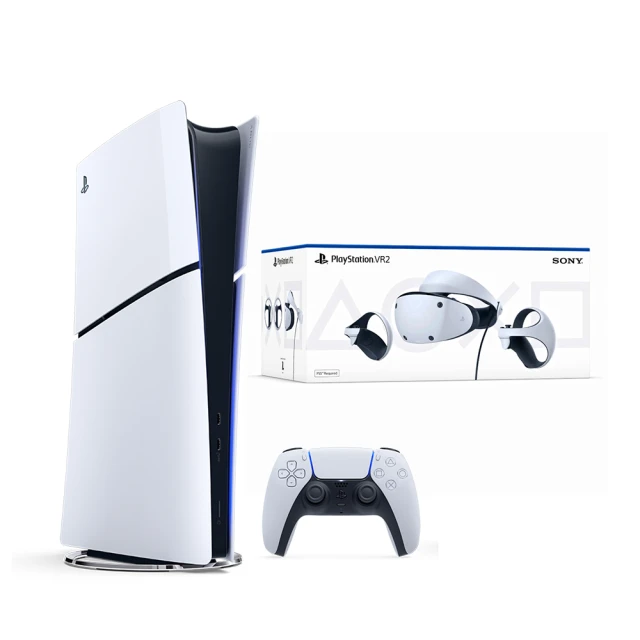
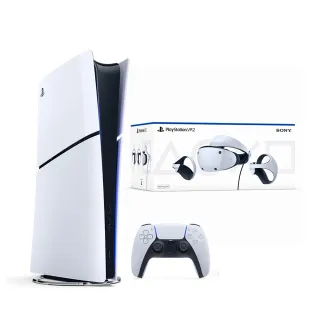
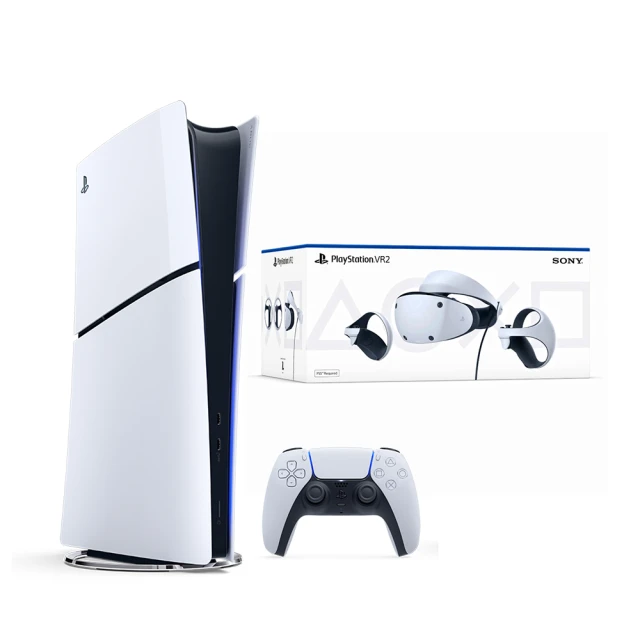
 【SONY 索尼】New PS5 數位版主機(PS5 Slim)+PS VR2 頭戴裝置
 -
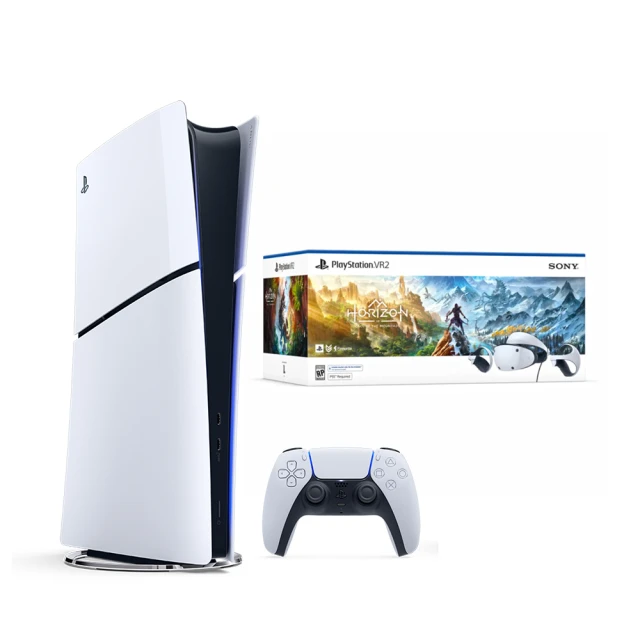
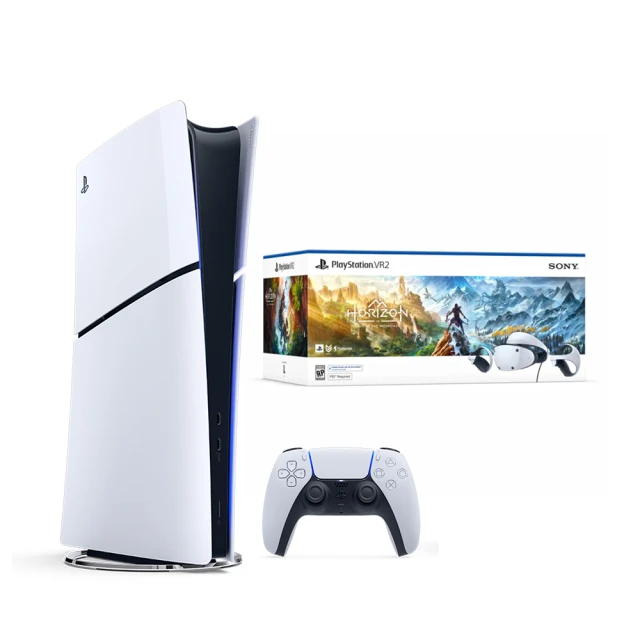
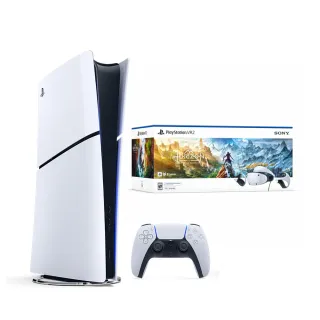
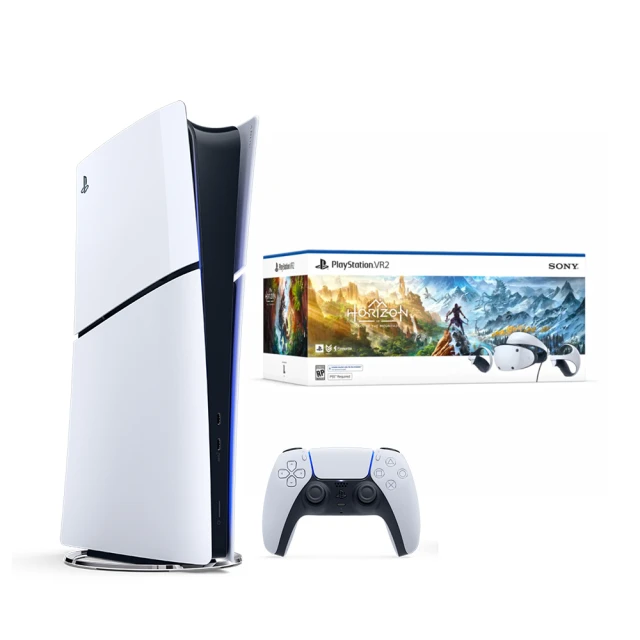
【SONY 索尼】New PS5 數位版主機(PS5 Slim)+PS VR2《地平線 山之呼喚》組合包
-
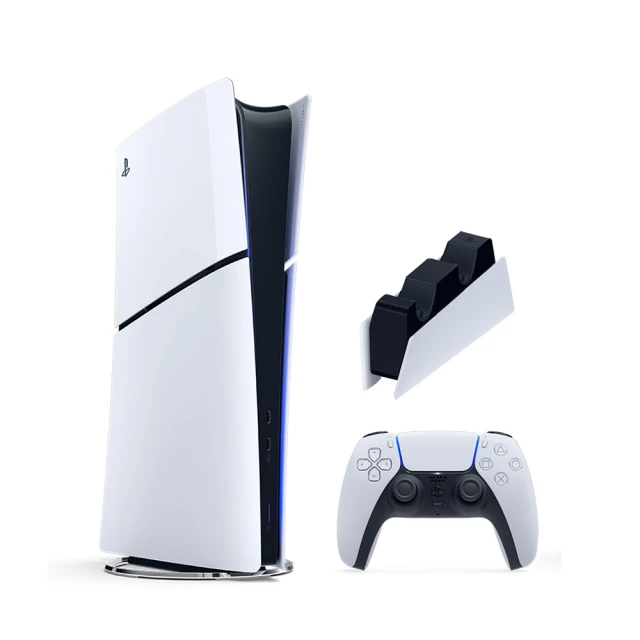
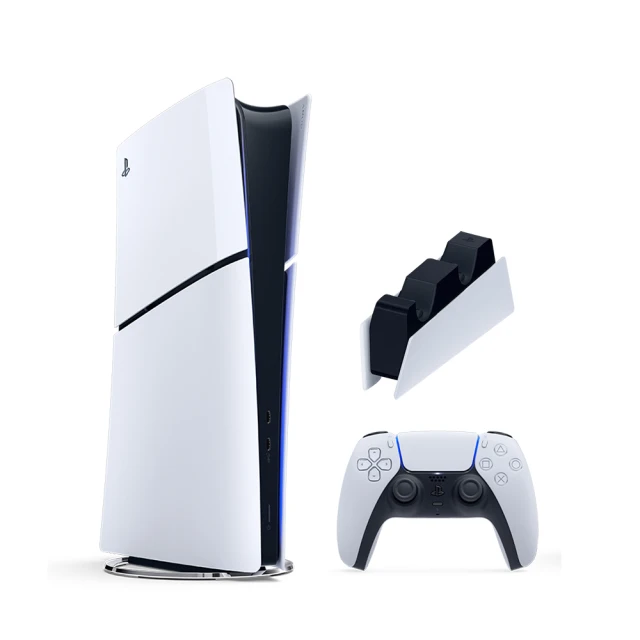
【SONY 索尼】New PS5 數位版主機(PS5 Slim)+充電座
-
【SONY 索尼】New PS5 數位版主機(PS5 Slim)+專用 Ultra HD Blu-ray 光碟機
-
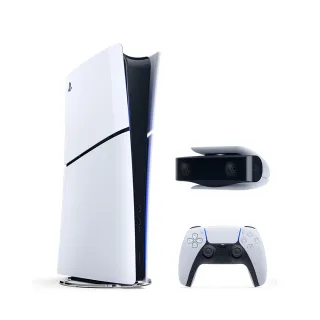
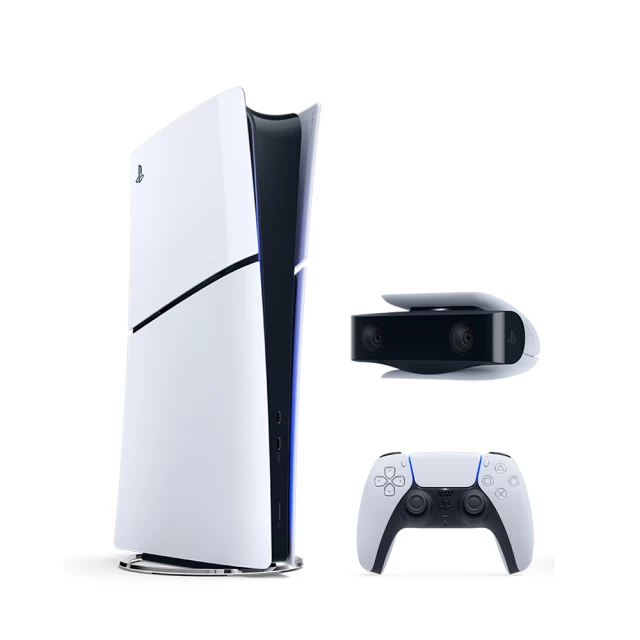
【SONY 索尼】New PS5 數位版主機(PS5 Slim)+PS5 HD 攝影機
-
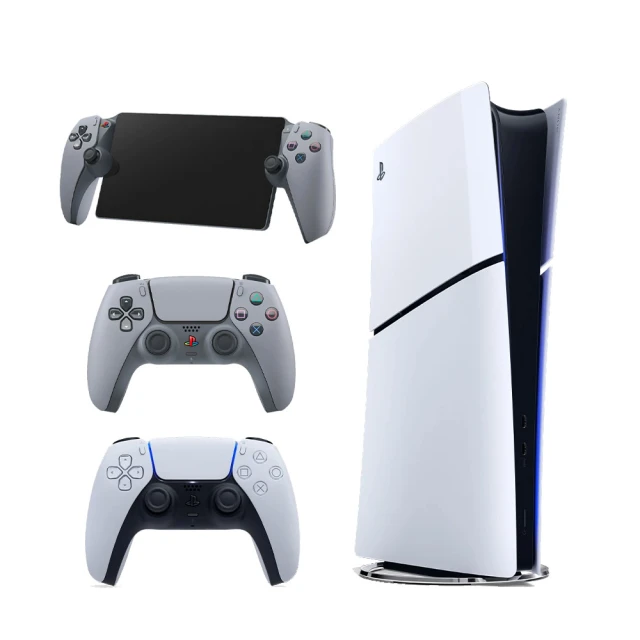
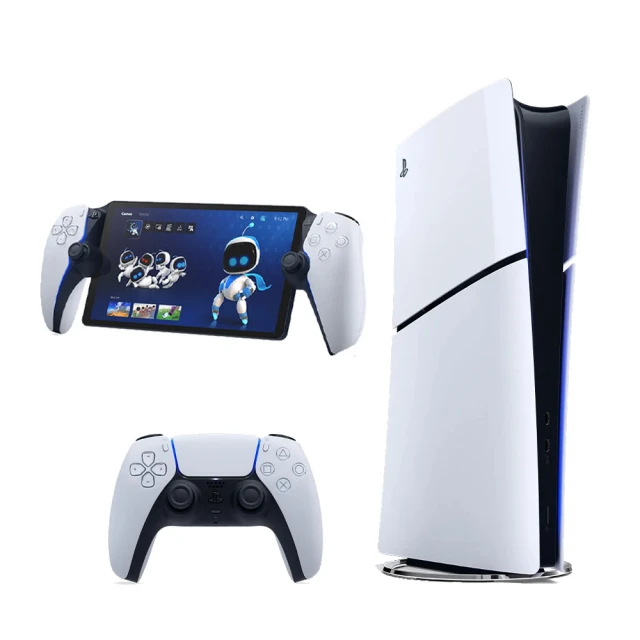
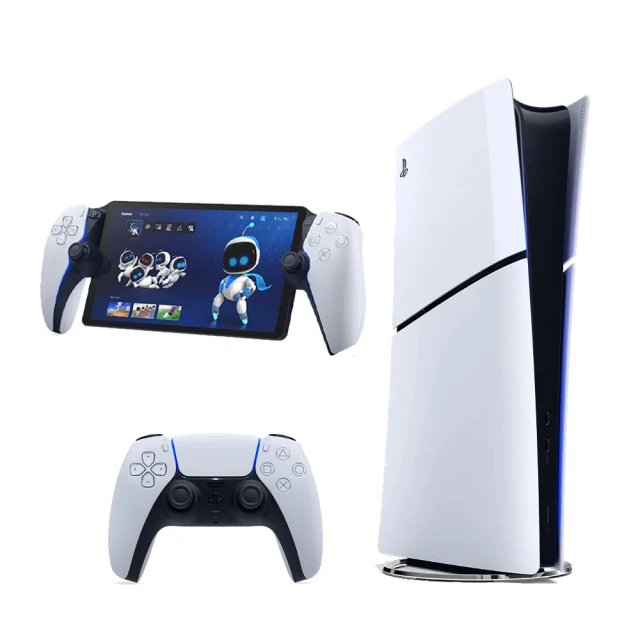
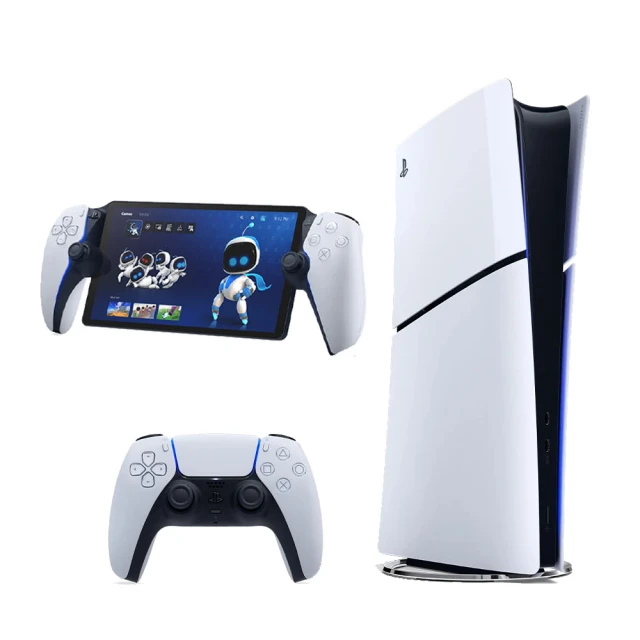
【SONY 索尼】New PS5 數位版主機(PS5 Slim)+《PlayStation Portal - Remote Player 遙控遊玩機》
-
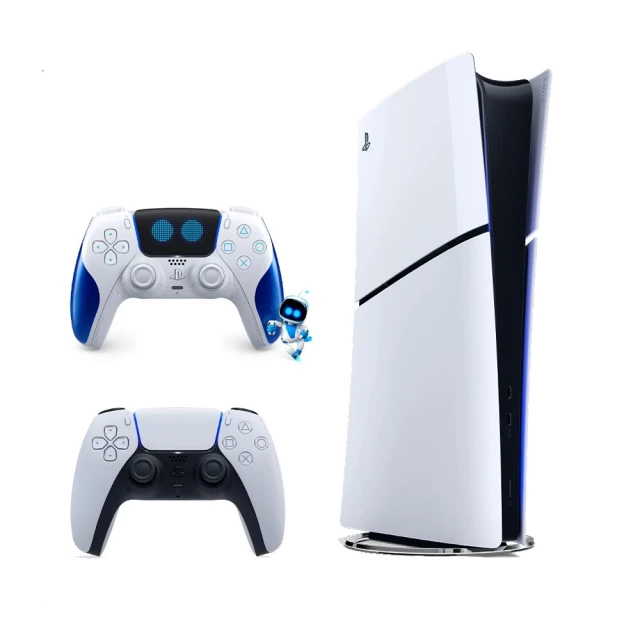
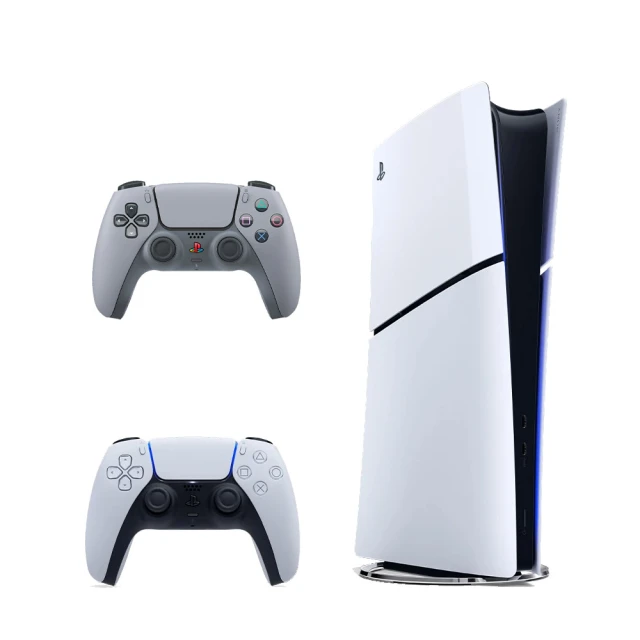
【SONY 索尼】New PS5 數位版主機(PS5 Slim)+《PS5 DualSense 原廠無線控制器(Astro Bot限量款)》
-
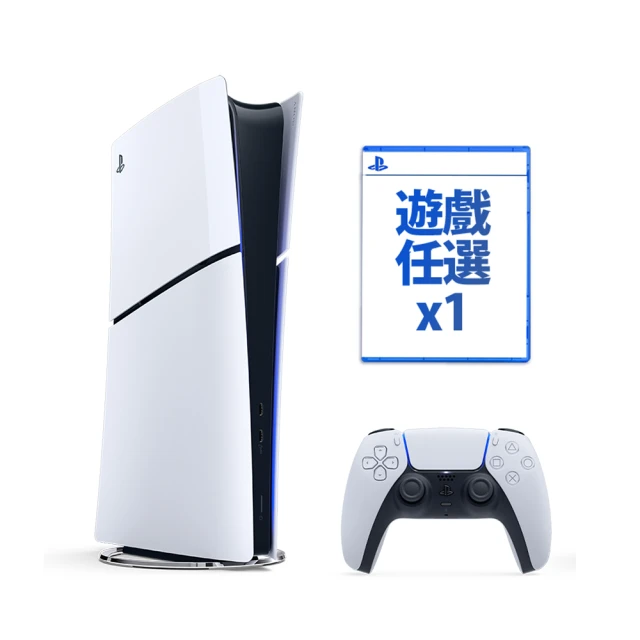
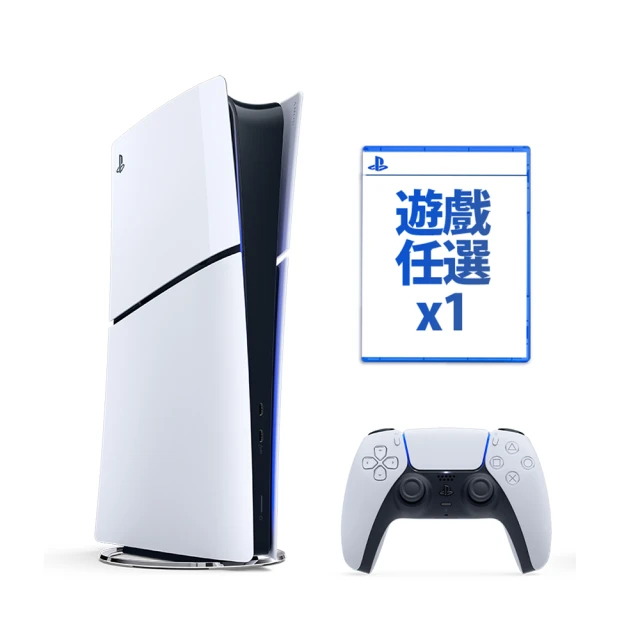
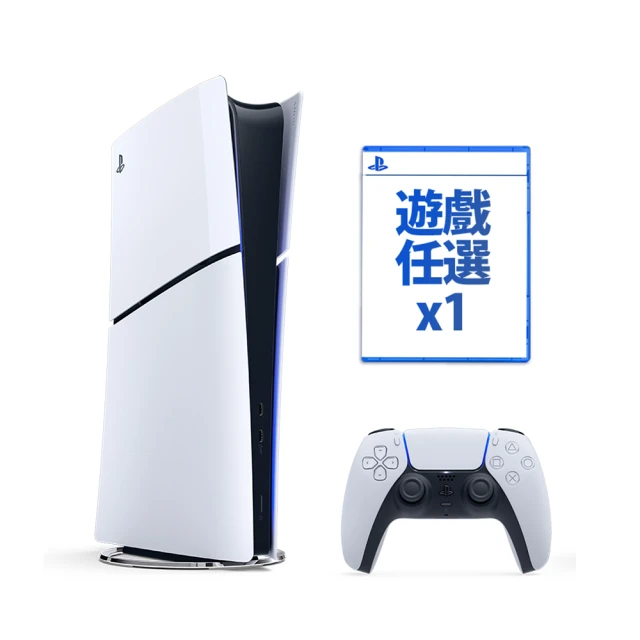
【SONY 索尼】New PS5 數位版主機(PS5 Slim)+《遊戲任選X1》
-
【SONY 索尼】New PS5 數位版主機(PS5 Slim)+充電座
-
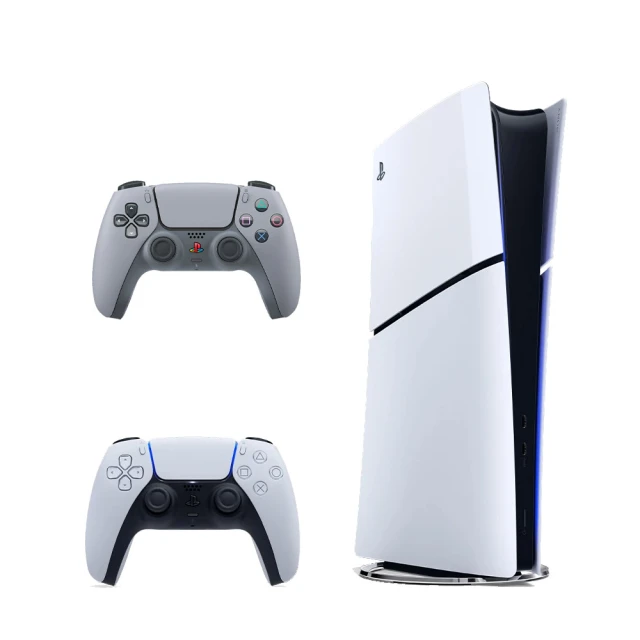
【SONY 索尼】New PS5 數位版主機(PS5 Slim)+《DualSense 無線控制器(30週年紀念款)》
-
【SONY 索尼】New PS5 數位版主機(PS5 Slim)+《PlayStation Portal - Remote Player 遙控遊玩機》
-
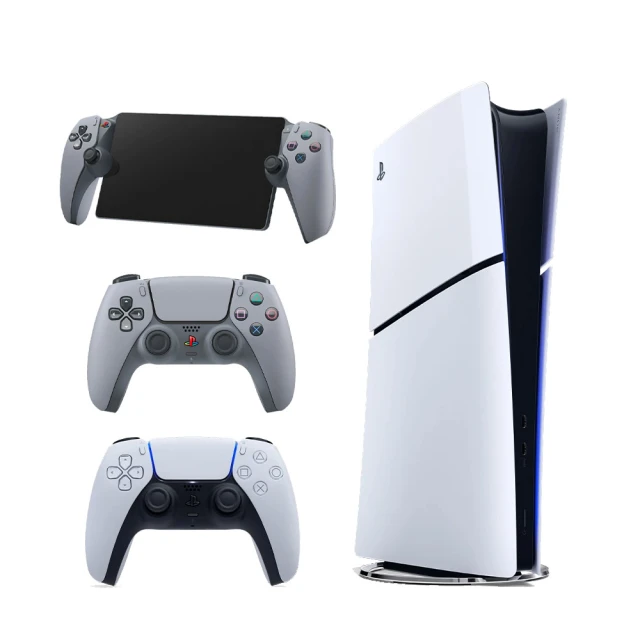
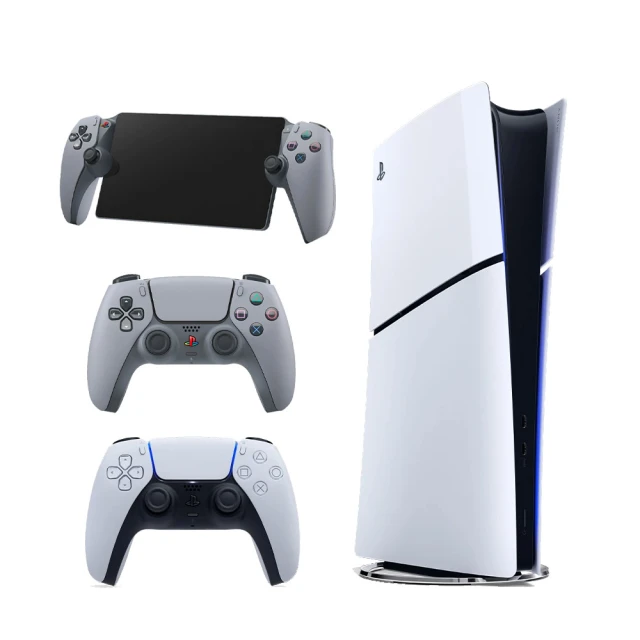
【SONY 索尼】New PS5 數位版主機(PS5 Slim)+《PS Portal (30週年紀念款)》+《無線控制器(30週年紀念款)》

-
【SONY 索尼】New PS5 數位版主機(PS5 Slim)+《遊戲任選X1》
-
【SONY 索尼】New PS5 數位版主機(PS5 Slim)+PS VR2 頭戴裝置
-
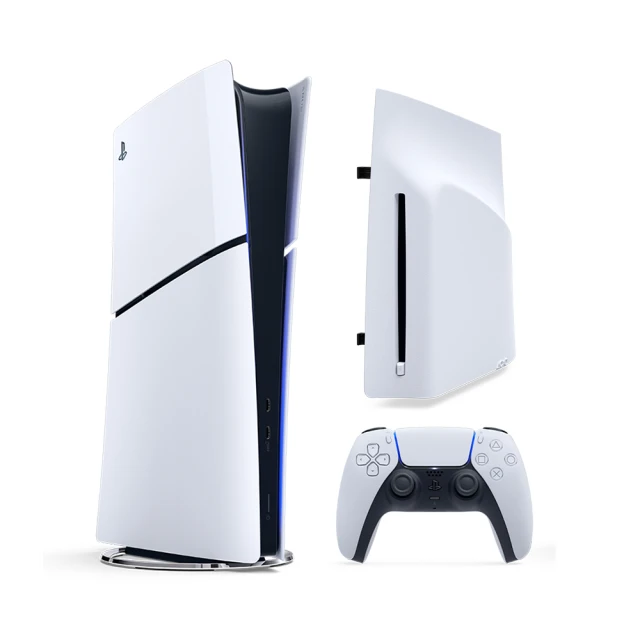
【SONY 索尼】New PS5 數位版主機(PS5 Slim)+專用 Ultra HD Blu-ray 光碟機
-
【SONY 索尼】New PS5 數位版主機(PS5 Slim)+PS5 HD 攝影機
-
【SONY 索尼】New PS5 數位版主機(PS5 Slim)+PS VR2《地平線 山之呼喚》組合包
-
【SONY 索尼】New PS5 數位版主機(PS5 Slim)+充電座
-
【SONY 索尼】New PS5 數位版主機(PS5 Slim)+《DualSense 無線控制器(30週年紀念款)》
-
【SONY 索尼】New PS5 數位版主機(PS5 Slim)+《PlayStation Portal - Remote Player 遙控遊玩機》
-
【SONY 索尼】New PS5 數位版主機(PS5 Slim)+《PS Portal (30週年紀念款)》+《無線控制器(30週年紀念款)》
-
【SONY 索尼】New PS5 數位版主機(PS5 Slim)+《遊戲任選X1》
-
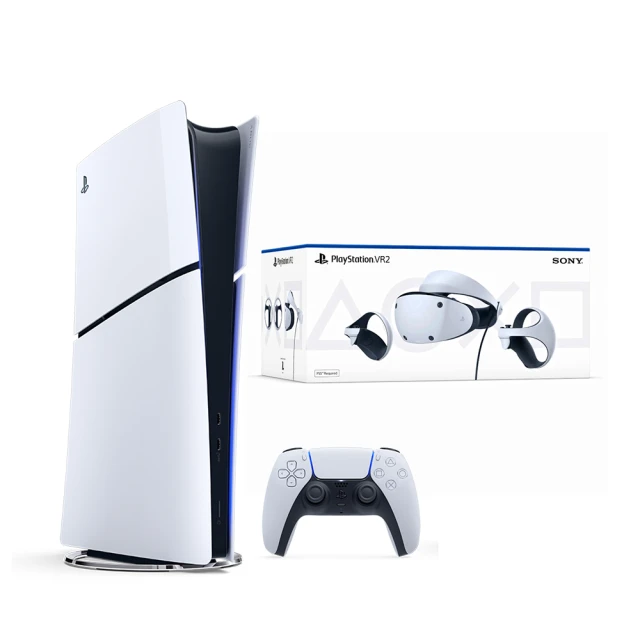
【SONY 索尼】New PS5 數位版主機(PS5 Slim)+PS VR2 頭戴裝置
-
【SONY 索尼】New PS5 數位版主機(PS5 Slim)+專用 Ultra HD Blu-ray 光碟機

-
【SONY 索尼】New PS5 數位版主機(PS5 Slim)+PS5 HD 攝影機
-
【SONY 索尼】New PS5 數位版主機(PS5 Slim)+PS VR2《地平線 山之呼喚》組合包
-
【SONY 索尼】New PS5 數位版主機(PS5 Slim)+《PlayStation Portal - Remote Player 遙控遊玩機》
-
【SONY 索尼】New PS5 數位版主機(PS5 Slim)+《PS Portal (30週年紀念款)》+《無線控制器(30週年紀念款)》
-
【SONY 索尼】New PS5 數位版主機(PS5 Slim)+PS VR2 頭戴裝置
-
【SONY 索尼】New PS5 數位版主機(PS5 Slim)+PS VR2《地平線 山之呼喚》組合包
-
【SONY 索尼】New PlayStation 5 數位版主機(PS5 Slim)(CFI-2018B01)
-
【SONY 索尼】New PlayStation 5 數位版主機(PS5 Slim)(CFI-2018B01)
-
【SONY 索尼】New PlayStation 5 數位版主機(PS5 Slim)(CFI-2018B01)
-
【SONY 索尼】New PlayStation 5 專用 Ultra HD Blu-ray 光碟機(數位版主機(PS5 Slim)專用)
-
【SONY 索尼】New PlayStation 5 專用 Ultra HD Blu-ray 光碟機(數位版主機(PS5 Slim)專用)
-
【SONY 索尼】New PS5 光碟版主機(PS5 Slim)+PS VR2《地平線 山之呼喚》組合包